
Have you been interested in learning bookbinding, but you’re just unsure about where to start? Or, are you looking for an easy low stress project to do with your Cricut machine? If so, I’ve got the perfect DIY craft for you.
The best part is that it only requires a few simple supplies! You can even skip the Cricut if you don’t mind cutting your pages by hand.
In this post, I’ll show you how to dip your toes into the world of bookbinding, and come out with a project that you can be proud of!
What you’ll need:
- Cricut machine
- Art Prints (I download mine for free via artvee.com)
- PVA Glue (Recommended) or Elmer’s White Craft Glue
- White Cardstock (for printing)
- Paint Brush or Foam Brush
- Binder Clips or Bulldog Clips
- Thin Chipboard (for the back of the pad) Optional*
How to make it:
Step 1: Download Free Art From the Public Domain.
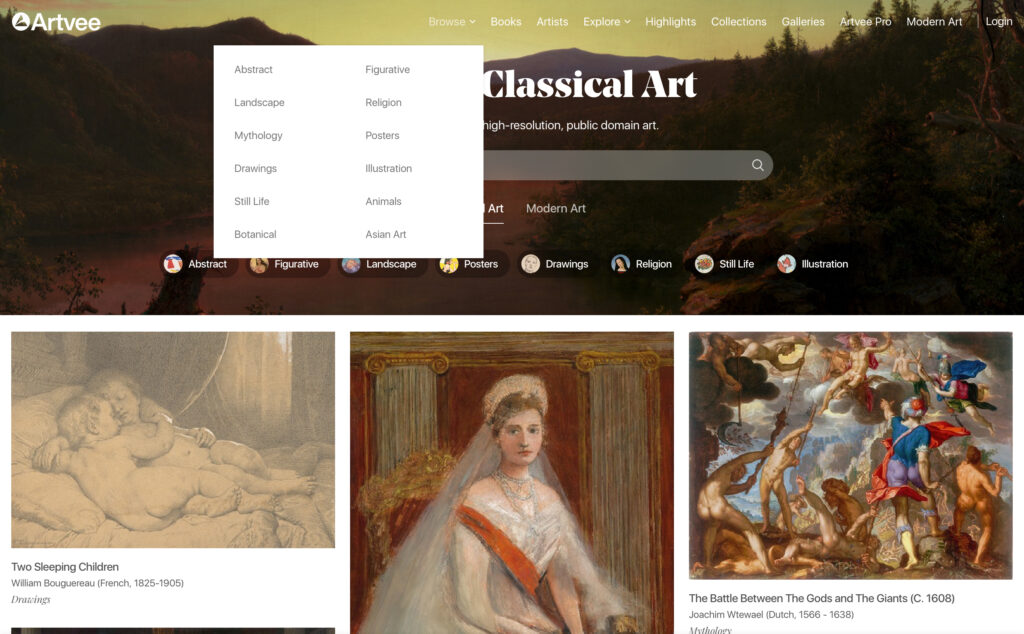
Visit Artvee.com (or any free public domain hosting site of your choice) and click the “Browse” category in the upper right-hand side of the page. Select the category that interests you most. For my zine, I chose mainly art history related images and botanical illustrations.
Choose as many prints as you’d like. Sites like Artvee do not charge for copies of art that is cataloged in the Public Domain.
Their archive aims to keep art history alive by providing easy public and FREE access to print quality reproductions. They even share short biographies of each known artist!
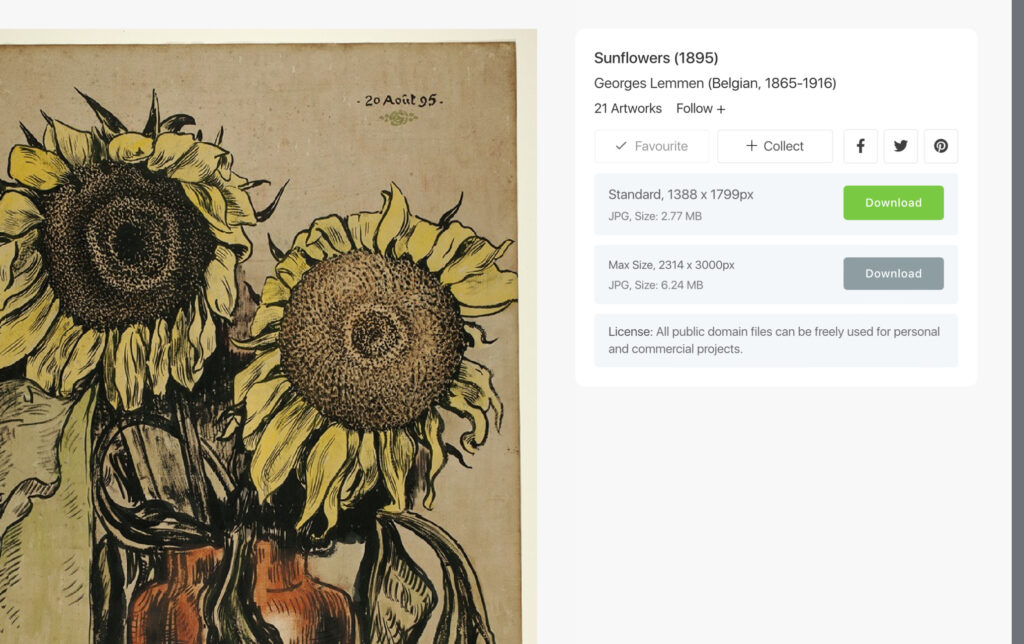
Step 2: Download your images as JPEG files.
Step 3: Upload your images to Cricut Design Space.
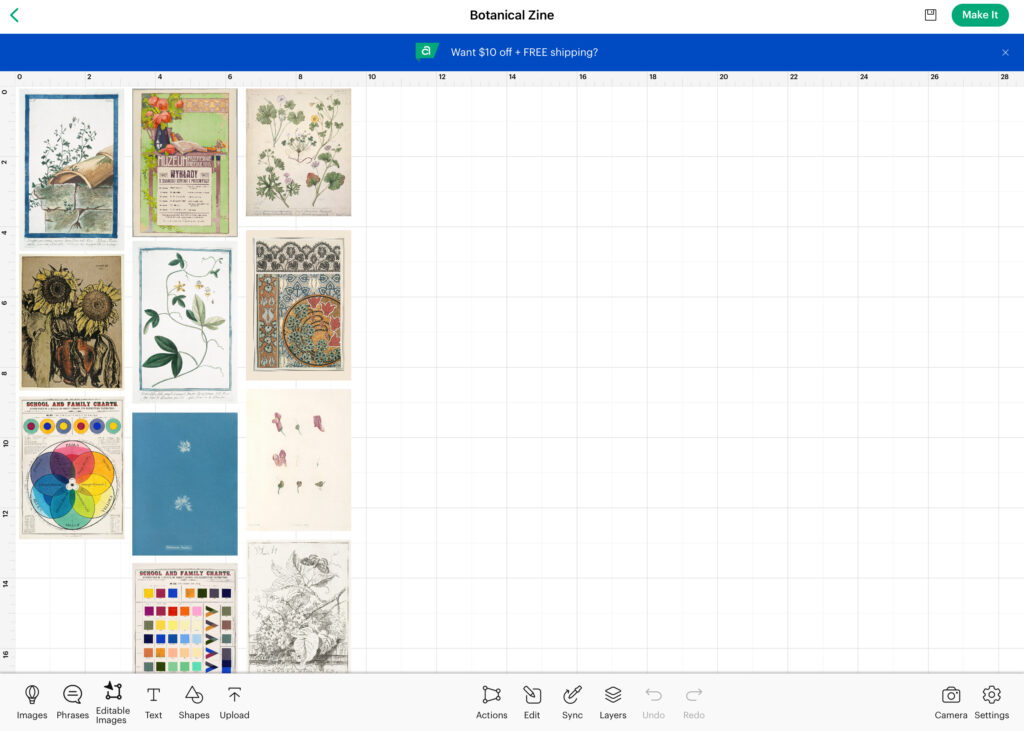
I decided not to crop my images. I kept them all the same, but edited the width of each image to 3”. This way they can still be stacked, but with a cascading effect since each image has a different length.
If you want your prints to be the same size, choose prints that can be easily cropped to be the same width and height without cutting into the design too much.
Step 4: Highlight and “Attach” the images to one another in Design Space.
Step 5: Print and cut your pages after clicking “Make it” in the upper right hand corner.
Follow the prompts in Design Space for printing. Choose your material, and load your mats.
Step 6: Prepare your pages for binding.
If you’re adding a piece of chipboard as the backing, make it the same size as your largest image. You can cut this by hand. Trace the largest sized image on the chip board, and cut it out with an X-acto knife or box cutter.
Stack your images from tallest to shortest, and place the chip board backing under the pile.

Clip all of the pages together with one or two binder clips.
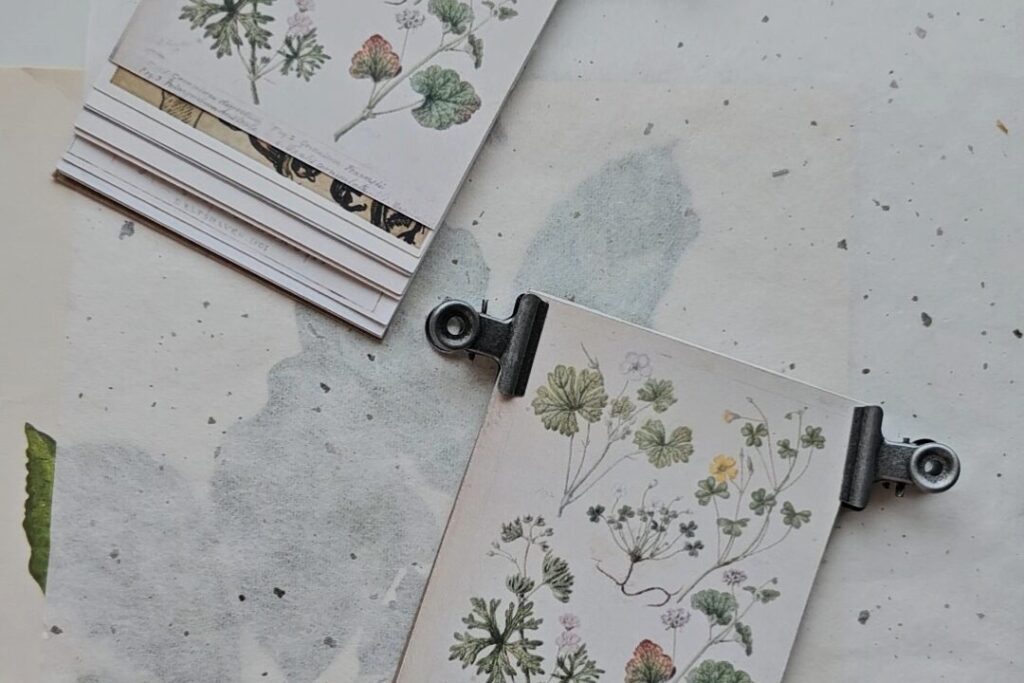
Step 7: Apply a thin layer of glue to the top edges of your clipped pages.
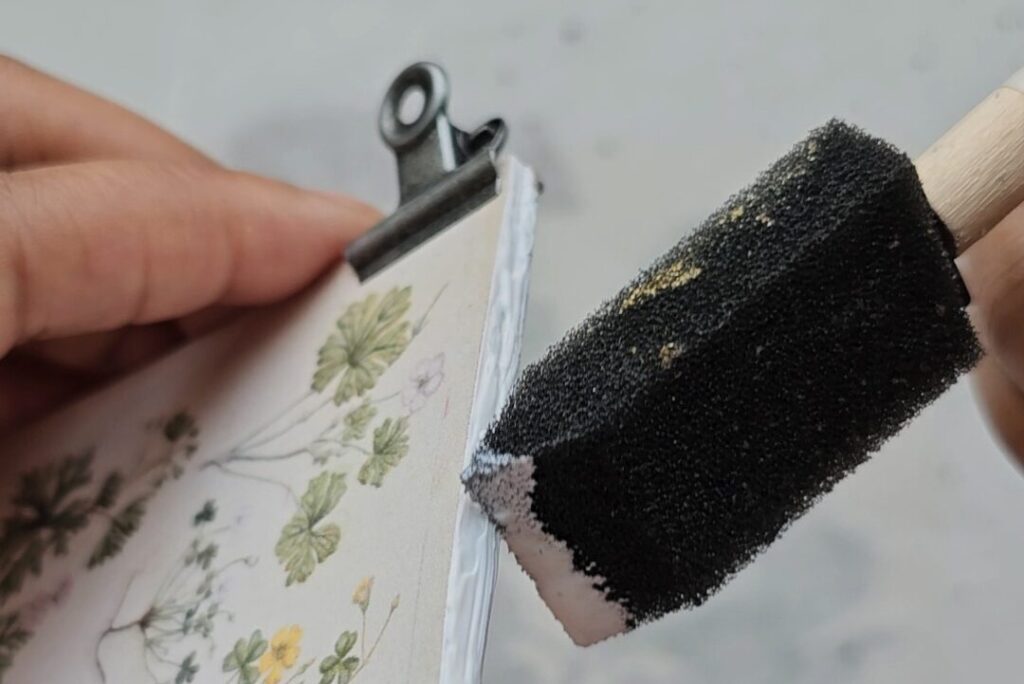
Allow this first layer to dry for 20 minutes.
Gently try to open the pages to see if another coat is required. If you see open gaps in the glue, or the pages easily pull apart, apply one more thin coat.
You should be able to pull each sheet out of the book easily without much effort, but the pages should not be falling apart on their own.
Step 8: Finished! Allow your book to completely dry for 6 hours before using it.

